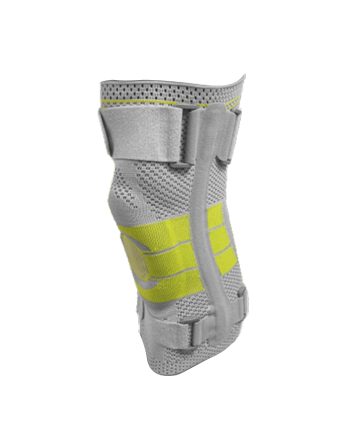
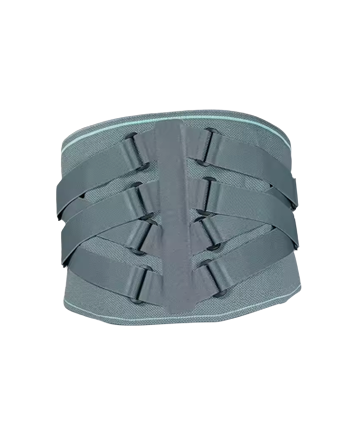
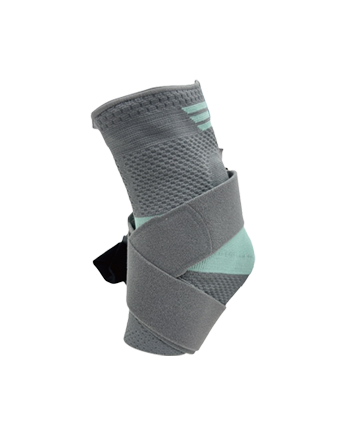
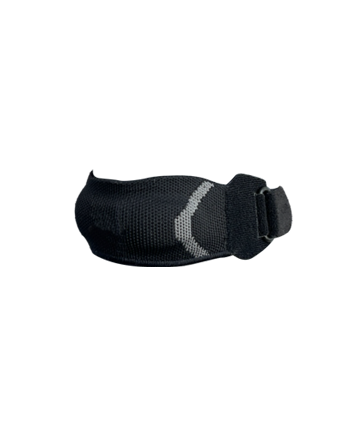
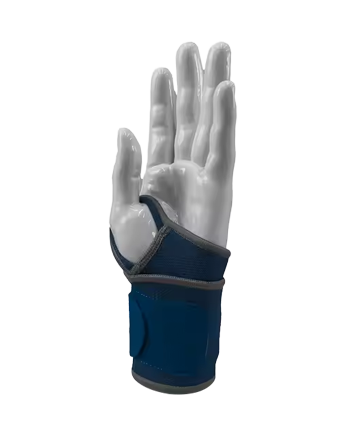
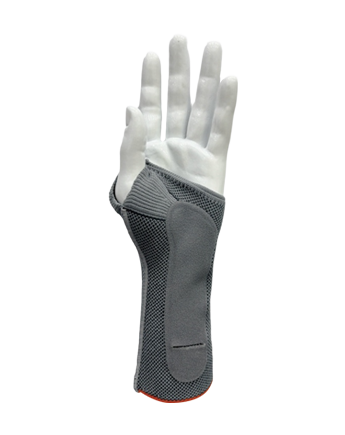
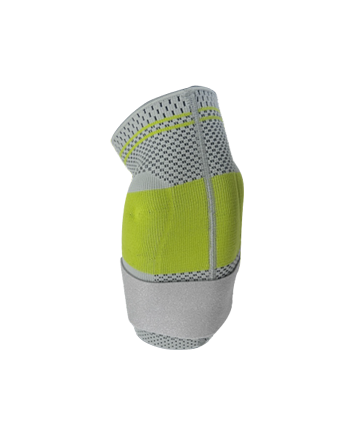
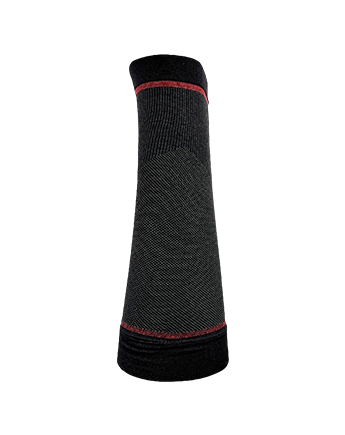
Your hands ache after a long day at the keyboard, or you notice the discomfort building earlier and earlier into your workday. The muscles in your palm and wrist feel tired in a way that does not fully resolve overnight, and you are starting to wonder whether there is something that could help you get through the day with less strain. A Hand Palm Brace designed for typing-related repetitive strain is not the same as a general wrist wrap, and knowing which features actually address the problem — rather than simply covering the hand — makes the difference between something useful and something that sits in a drawer after a week.
Typing looks like light work, but the physical demand on the hand structures is sustained and cumulative. The fingers move constantly while the wrist maintains a relatively fixed position, which means the muscles and tendons responsible for controlling finger movement are working in a contracted, shortened state for hours at a time.
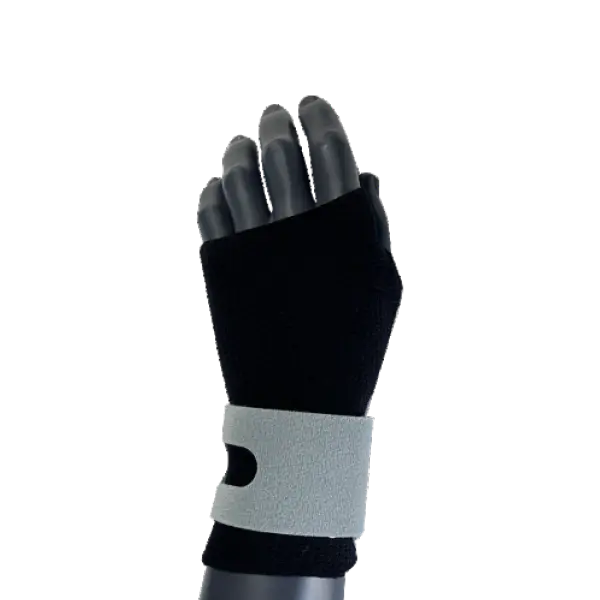
The specific strain pattern typing creates:
The problem is not any single keystroke. It is the absence of rest for the structures involved across a full working day.
Not every hand or wrist support is relevant to typing-related strain. The features that help are specific to the physical pattern described above, not general to all hand complaints.
Features that address typing strain directly:
The tension between support and mobility is the central design challenge in any hand support intended for use during activity. For typing, the mobility requirement is significant — the hand needs to move freely across the keyboard while the wrist remains stable.
Structural features that achieve this balance:
| Feature | Function | Typing Relevance |
|---|---|---|
| Palmar stay (rigid or semi-rigid) | Maintains wrist in neutral position | Reduces extensor fatigue from sustained wrist extension |
| Adjustable wrist strap | Customizes compression level | Allows precise fit across different wrist sizes |
| Open finger cutout | Frees all fingers for movement | Essential for full keyboard use |
| Short palmar coverage | Supports palm without blocking knuckle movement | Maintains natural keystroke motion |
| Lateral wrist support | Reduces ulnar and radial deviation | Prevents the sideways wrist drift that occurs with mouse use |
| Breathable fabric panel | Manages heat and moisture | Makes extended wear through a full workday practical |
| Thumb loop (optional) | Anchors brace position | Prevents brace from riding up the wrist during typing |
A brace that has a rigid stay but is made from non-breathable material solves one problem while creating another. The practical typing support needs to address the full list of requirements rather than optimizing for a single feature.
Yes, and this is often underemphasized in product descriptions that focus on wrist stabilization alone.
The palm is actively involved in typing even though individual finger movement drives the keystrokes. The hypothenar muscles along the outer edge of the palm provide stabilizing support for the ring finger and little finger. The thenar muscles at the thumb base are engaged during any keystroke involving the thumb, which on a standard keyboard includes the space bar and modifier keys pressed constantly throughout typing.
What palm coverage provides for typing users:
The palm section should not be rigid — the palm needs to flex slightly as the fingers move. A flexible, compressive panel over the palm rather than a hard plate achieves the support function without restricting the natural palm movement that typing requires.
Where straps sit on the hand determines whether the support stays in position during typing and whether it creates pressure in areas that become uncomfortable during active use.
Strap placement principles for typing use:
These positioning details are not visible in a product photograph, which is why they matter to ask about when evaluating options. A support that is technically adjustable but only adjusts in one direction — tighter or looser — without allowing strap repositioning may not suit all hand proportions for typing use.
Repetitive strain from typing is not uniform across all keyboard users. The pattern of strain, and therefore which support features help, varies by how typing is performed and for how long.
People who type continuously for several hours with few breaks accumulate strain faster than those who type intermittently. For this group, the wrist stabilization and compression features matter during the session, and the breathability of the support material determines whether it stays on. The support should be comfortable enough to forget about rather than a constant reminder that it is being worn.
Writing involves sustained typing with high keystroke volume over long periods. The thumb is heavily involved because of frequent space bar use. Thenar area support is particularly relevant for this group, combined with the neutral wrist positioning features that reduce cumulative carpal loading.
Data entry involves a combination of keyboard and mouse use, with rapid alternation between the two. The lateral wrist support feature matters here because the side-to-side wrist movement involved in switching between keyboard and mouse is a different strain pattern from pure typing. A support with lateral stability reduces the loading on the ulnar side of the wrist during this switching motion.
High-intensity keyboard use in gaming involves both high keystroke speed and sustained grip on the mouse. The combination creates fatigue in both the finger flexors and the thenar muscles. A support that addresses both palm compression and wrist stabilization without restricting rapid finger movement suits this context.
A few patterns come up when people choose hand supports based on assumptions that do not match how typing strain works.
For a hand support to be effective during typing, it has to be compatible with the actual motion of keyboard use. A brief evaluation process reveals whether a specific product suits the intended application.
Choosing hand support for typing-related strain is a specific purchase rather than a general one, and the features that address the typing strain pattern are not the same as those that help with injury recovery or heavy manual work. The neutral wrist positioning, adjustable compression, open finger design, and breathable construction are not optional extras — they are the properties that determine whether the support functions through a working day or gets removed within an hour.
If you are currently experiencing repetitive strain from keyboard use and want to evaluate product options suited to extended typing sessions, Zhejiang Steriger Sports Medicine Technology Co., Ltd. develops Hand Palm Brace designs with the specific structural features that typing and desk work require. Sharing the details of your typical working setup and which aspects of hand or wrist discomfort are affecting you gives their team what they need to recommend a product that addresses your actual pattern of use rather than a general-purpose solution.
Steriger is a national high-tech enterprise specializing in the R&D and production of high-quality sports supports, medical braces, and sports compression socks.
Copyright © Zhejiang Steriger Sports Medicine Technology Co., Ltd.
The information provided on this website is intended for use only in countries and jurisdictions outside of the People's Republic of China.

Approval No: 浙金药监械生产备20200039号

 English
 Español
 Deutsch
 عربى
عربى Français